
The Complete Property Marketing Workflow: From Instruction to Live Listing
A practical framework for moving every instruction from capture to a complete, consistent and launch-ready marketing package.
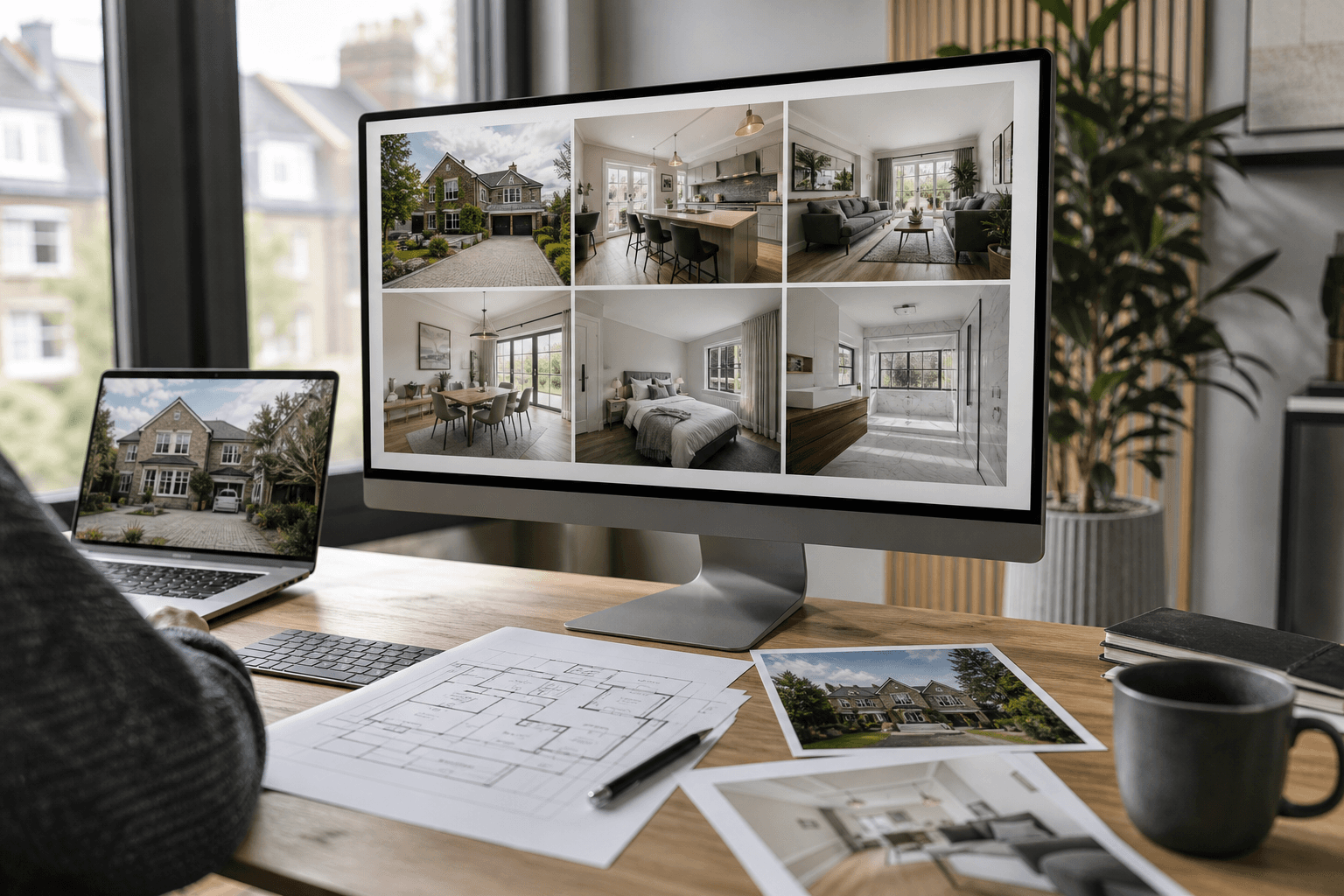
Key Takeaways
- Plan the final outputs before anyone attends the property.
- Approve one master image set before creating videos, tours and presentations.
- Separate corrective editing from creative enhancement.
- Use the same approved assets across portals, social, brochures and microsites.
- Give one person responsibility for final quality assurance and approval.
A strong property listing is not created by one photograph, one floor plan or one clever piece of software. It is created by a connected workflow in which every asset is captured, enhanced, approved and published in the right order.
When that process is fragmented, the problems are familiar: duplicate uploads, inconsistent edits, missing floor plans, outdated versions and last-minute requests for a video that should have been planned at the start. A connected property marketing workflow replaces that scramble with one repeatable route from instruction to launch.
Property marketing is a workflow, not a shopping list
Photography, floor plans, virtual tours and video are often ordered as separate products. Buyers, vendors and landlords do not experience them separately. They experience one listing.
The lead image creates the first impression. The remaining photography explains the condition and character of the property. The floor plan explains layout. Video provides pace and atmosphere. A 360 tour enables closer exploration. The brochure or property microsite brings everything together.
If those assets feel inconsistent, the listing feels inconsistent. The workflow therefore matters as much as the individual tools.
Stage 1: Define the instruction and outputs
Start by deciding what the campaign needs to achieve. A standard rental instruction does not require the same media package as a flagship development, country home or city penthouse.
The brief should confirm:
- Property type, size and condition
- Intended audience and likely buyer journey
- Portal and website requirements
- Required launch date
- Photography, floor plan, video and tour requirements
- Whether the property is occupied, empty or unfinished
- Any important views, features or restrictions
- Who approves the final assets
This prevents the most expensive workflow mistake: returning to the property because an essential asset was never requested.
It is also the point at which the agent should choose the appropriate marketing tier. Standard instructions may need photography and a floor plan. Enhanced campaigns may add a short video or 360 tour. Premium instructions may justify drone imagery, twilight presentation, virtual staging and a dedicated property microsite.
Stage 2: Capture accurate source material
Every later stage depends on the quality of the original capture. Editing can improve balance, consistency and presentation, but it cannot reliably replace careful composition, suitable equipment and a complete shot list.
For teams that need experienced on-site capture, Photoplan provides professional property photography across the UK, with portal-ready delivery for estate agents, developers and property professionals.
A complete capture visit may include:
- Interior and exterior photography
- HDR exposure brackets
- Floor-plan measurements or sketches
- 360-degree panoramas
- Video clips captured in a logical walkthrough order
- Drone photography where appropriate and permitted
- Detail images for brochures and social media
The photographer should shoot for the entire workflow, not only the portal gallery. Horizontal hero images, clean transitions between rooms, usable video sequences and suitable frames for staging or twilight conversion should all be considered on site. See also the complete property photography workflow and the Rightmove first-image checklist.
Stage 3: Create one approved master image set
After capture, select and finish the core photography before producing anything downstream.
The master set should establish:
- Consistent exposure and white balance
- Straight architectural lines
- Natural window views
- Accurate colour
- Logical crops and aspect ratios
- A clear lead-image candidate
- A consistent visual style across the full gallery
HDRPhoto can process bracketed or single property images into balanced interiors, while PhotoEdit supports practical finishing such as colour correction, sky replacement and presentation adjustments.
The important workflow rule is simple: approve this set once. Do not create video, social graphics or microsites from unapproved images and then repeat every output after revisions.
Use clear file states such as:
- Captured
- Selected
- Edited
- Approved master
- Published output
Avoid folders filled with names such as final, final-new, final-v2 and final-v2-use-this-one.
Stage 4: Apply corrective and creative enhancements
Not every image needs additional work. Enhancements should solve a clear marketing problem rather than become a compulsory filter applied to every photograph.
Corrective editing
Corrective work helps the original photography communicate the property more clearly. This can include:
- Removing temporary bins, cables or distracting objects
- Correcting colour casts
- Balancing exposure
- Straightening perspective
- Protecting occupant privacy
PhotoClear can remove temporary clutter and rebuild the background, helping occupied or hurriedly prepared properties look cleaner without organising another visit. For occupied or probate stock, see virtual decluttering for probate and occupied homes.
Creative enhancement
Creative work adds an alternative presentation rather than simply correcting the source image. Examples include:
- Virtual furniture in an empty room
- Day-to-dusk conversion
- Lifestyle animation
- Illustrative design options
Virtual Staging can help buyers understand the potential of empty rooms, while HyperDusk can create an additional twilight-style exterior for premium campaigns and social media.
Keep the original image and the enhanced version together. Digitally staged or materially altered images should be labelled where appropriate and used in a way that does not misrepresent permanent features or the physical proportions of the property.
Stage 5: Add plans and immersive media
Photography creates attention, but plans and tours help buyers understand space.
A clear floor plan should be introduced early in the listing gallery rather than hidden at the end. Buyers use it to assess room relationships, circulation, furniture fit and whether the property is worth viewing.
Depending on the instruction, the workflow may include:
- A measured two-dimensional floor plan
- A floor plan produced from a reliable sketch with Sketchplan
- An interactive floor plan created with Planos
- A self-guided tour published through 360 Tours Studio
- A presenter-led recording of the tour
Not every property needs every format. A standard flat may be explained well with photography and a clear plan. A large home, development, overseas instruction or complex commercial space may benefit considerably from a 360 tour or interactive plan.
The decision should be based on how much additional understanding the format gives the buyer — not simply whether the tool is available. See interactive floor plans vs static PDFs and 360 tours vs photo galleries.
Stage 6: Turn the master assets into channel-ready content
Once the photography, plans and enhancements are approved, create the outputs required for each channel.
Property portals
Use a strong daylight hero image, followed by the best interiors, the floor plan and supporting exterior photographs. Check how the first image appears as a small mobile thumbnail.
Social media
Create shorter, more immediate content. ImageMotion can turn selected stills into cinematic clips, while PropertyCut can assemble photographs and video footage into a branded property film.
Agency website and property microsite
Bring the complete campaign together rather than forcing buyers to jump between unrelated links. Showcase can combine the gallery, video, plans, tour, brochure and enquiry route on one branded property page — the case for microsites vs portal listings.
Vendor communication
Send the vendor one approved launch link and a simple summary of what has gone live. Avoid attaching multiple versions of the same image set across long email chains.
Every output should come from the same approved master assets. This is how the listing maintains the same colour, sequence, tone and brand identity everywhere it appears.
Stage 7: Complete quality assurance before publishing
Speed matters, but publishing a broken or inconsistent campaign creates more work than a short final review.
Assign one named person to check:
- Is the lead image the strongest available option?
- Are rooms shown in a logical order?
- Is the floor plan legible on a phone?
- Are staged or enhanced images identified where needed?
- Do the video and 360 tour load properly?
- Are all property facts and room labels correct?
- Does the microsite enquiry form work?
- Are branding, contact details and calls to action consistent?
- Have duplicate or outdated files been removed?
Run the check on a mobile connection as well as a desktop. Buyers are unlikely to forgive a slow tour, unreadable plan or broken video simply because it worked on the office Wi-Fi.
Stage 8: Publish, distribute and learn
Publishing is not the end of the workflow. Track how the campaign performs and use the results to improve the next instruction.
Useful signals include:
- Portal views and click-through rate
- Enquiries and viewing requests
- Video completion or engagement
- 360-tour visits
- Microsite interactions
- Vendor feedback
- Time from instruction to launch
- Number of corrections required after publishing
If a particular media format consistently adds little value for a certain type of property, simplify that package. If premium images, video or tours improve engagement on specific stock, make them part of the standard brief for that category.
The aim is not to attach every possible asset to every listing. It is to develop a repeatable workflow that produces the right campaign efficiently.
What should be outsourced, automated and approved?
| Task | Best approach | Reason |
|---|---|---|
| On-site photography | Professional capture or trained in-house photographer | Establishes the accurate source material |
| Floor-plan measurement | Trained professional where accuracy is required | Reduces errors and repeat visits |
| Exposure blending and routine editing | Automated with human review | Speeds up repetitive production |
| Temporary clutter removal | AI-assisted with visual checking | Faster than manual retouching for common distractions |
| Virtual staging | AI-assisted and clearly reviewed | Useful selectively for empty or unfinished rooms |
| Video and social outputs | Template or AI-assisted production | Reuses approved master assets efficiently |
| Portal facts and descriptions | Human approval | Requires property knowledge and accountability |
| Final campaign QA | Named human approver | Prevents incorrect or inconsistent publishing |
Automation works best when it removes repetitive production. It should not remove professional judgement from capture, disclosure, property facts or final approval.
Three practical property marketing packages
Essential
- Professional photography
- Standard editing
- Two-dimensional floor plan
- Portal-ready gallery
Best for straightforward sales and lettings instructions where speed and clarity matter most.
Enhanced
- Everything in Essential
- Selective decluttering or virtual staging
- Short property video
- 360 tour where layout benefits from exploration
- Additional social assets
Best for competitive listings, empty properties and homes that need a stronger digital launch.
Premium
- Everything in Enhanced
- Drone or specialist exterior capture
- Twilight presentation
- Interactive plan
- Longer-form video
- Branded property microsite
- Development or campaign-specific assets
Best for flagship homes, developments, commercial instructions and properties marketed to distant or international buyers.
How ReHub connects the workflow
The value of a connected platform is not simply access to more tools. It is the removal of repeated uploads, separate subscriptions and disconnected versions.
ReHub gives property professionals one ecosystem for HDR processing, photo editing, decluttering, staging, twilight imagery, motion, floor plans, tours and property presentation. Teams can move from one production stage to the next while keeping the original instruction and approved media connected — the idea behind the connected ReHub Studio ecosystem.
That leaves people to concentrate on the work that still needs human judgement: choosing the story, approving the presentation and communicating confidently with the vendor.
For an hour-by-hour example, read A Day in the Life of a ReHub Listing Workflow.
The bottom line
The complete property marketing workflow begins with accurate capture and ends with one coherent buyer experience.
Plan the outputs early. Create one approved master set. Use automation for repetitive production. Apply enhancements selectively. Keep human judgement at the points where accuracy and trust matter most. Then publish every channel from the same connected source.
That is how estate agents move from a folder of disconnected assets to a launch-ready property campaign — without losing speed, consistency or control.
Ready to connect your property marketing workflow?
ReHub Studio brings photography enhancement, decluttering, staging, video, floor plans, 360 tours and property presentation into one connected ecosystem with one login and shared credits.
- #property marketing workflow
- #estate agent marketing
- #property photography
- #listing media
- #ReHub Studio
Frequently Asked Questions

The ReHub Studio Team
Property Marketing Experts
The ReHub Studio team builds AI-powered tools that help estate agents, photographers and developers create better property marketing, faster.
Ready to improve your property marketing?
Enhance photos, remove clutter, stage rooms, produce floor plans, create video and publish listings from one ReHub account.
Related Articles
QR Codes and PDF Brochures That Turn Viewings into Enquiries
Boards, window cards and viewing folders still matter. Pair them with QR codes and smart PDF brochures so interest does not die when someone leaves the house.
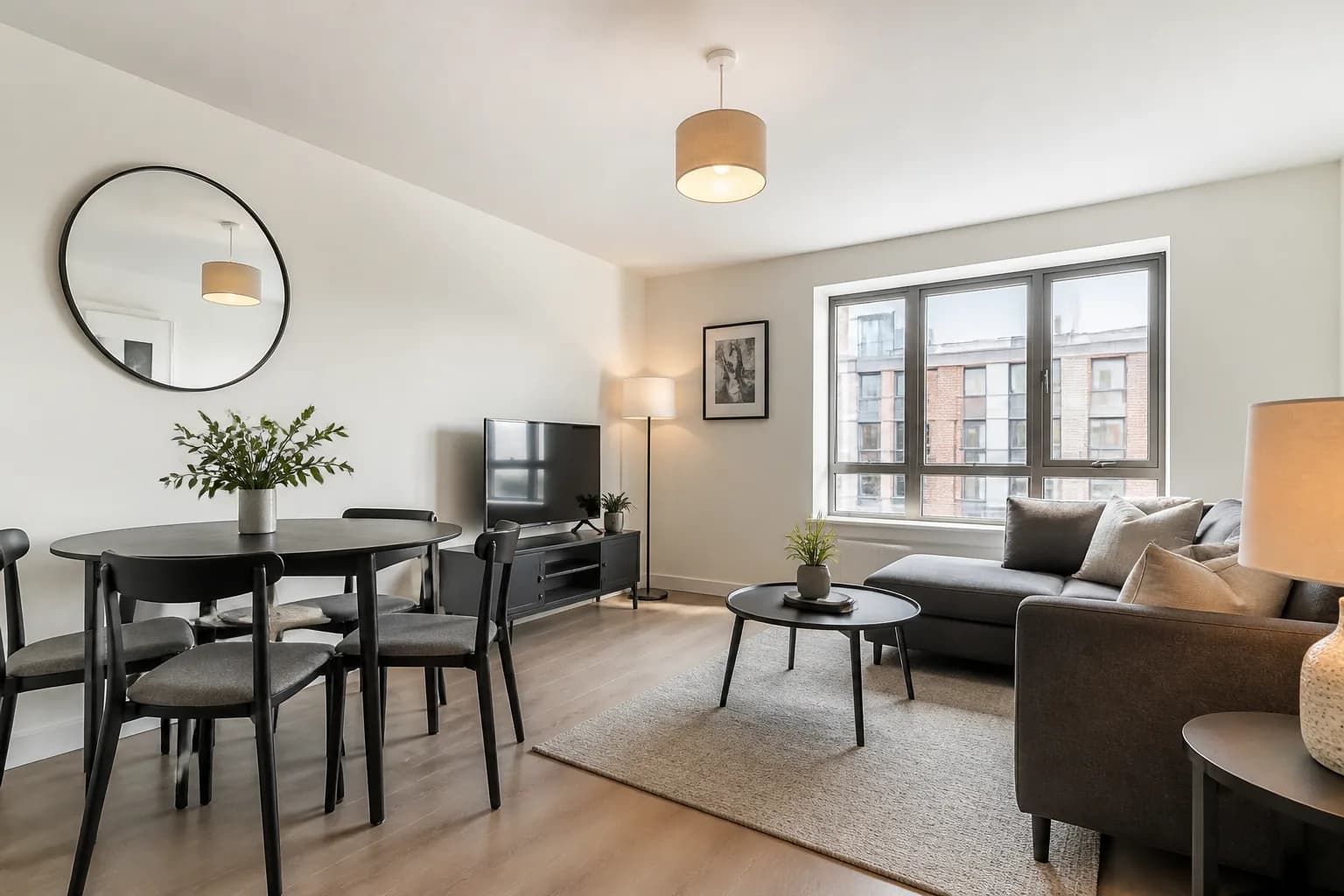
Lettings Marketing with AI Property Tools
Voids cost money. Learn how lettings teams use AI decluttering, staging, video and clearer photos to fill rentals faster without luxury-sale budgets.
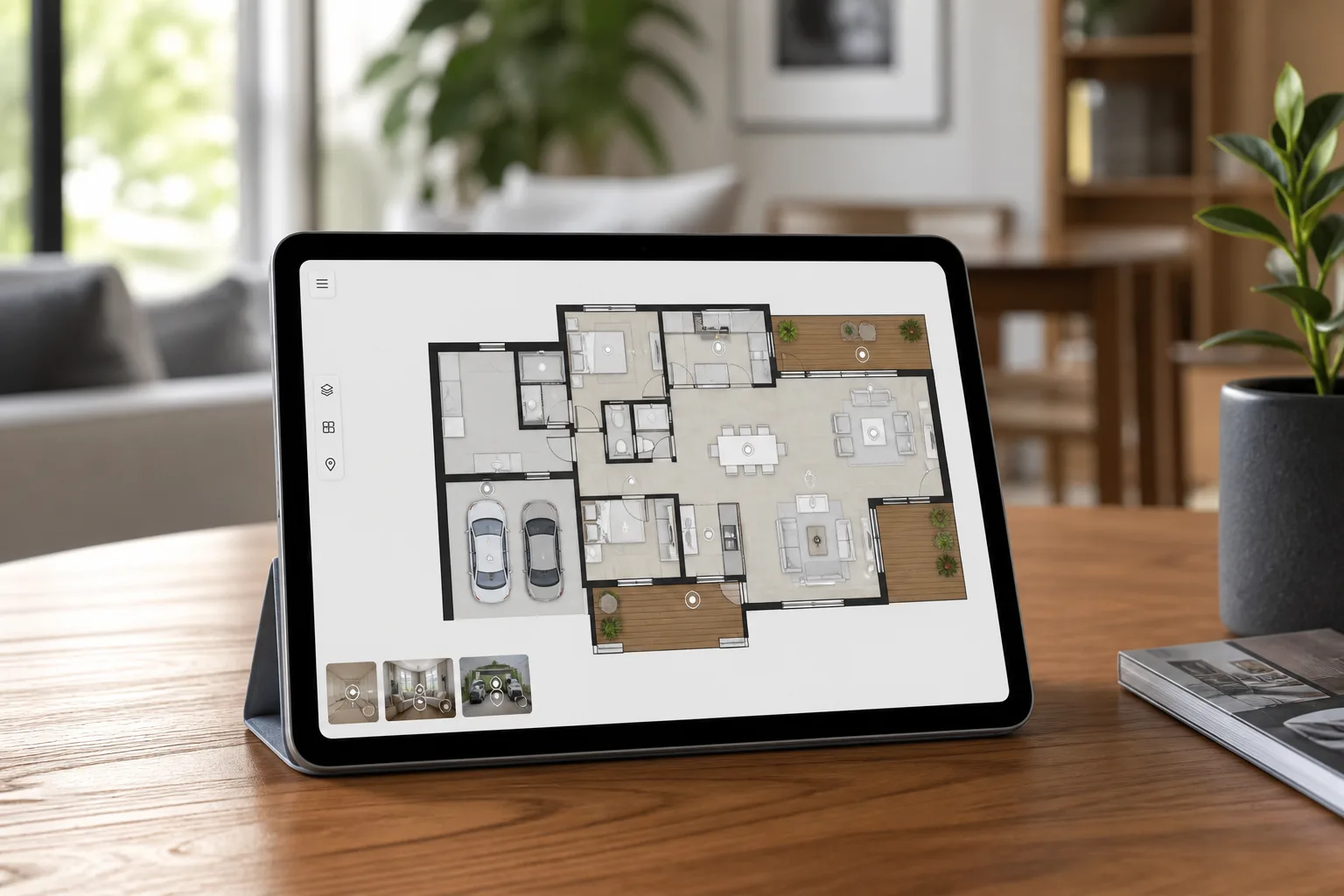
Interactive Floor Plans vs Static PDFs — Which Do Buyers Prefer?
Static plans still earn their place on portals. Interactive floor plans help buyers connect rooms to photos and tours. Here is how to choose — and when to offer both.